
Introduction
Choosing the right storage technology for your server is one of the most impactful decisions you can make when setting up web hosting infrastructure. The two primary options — Hard Disk Drives (HDDs) and Solid State Drives (SSDs) — differ significantly in how they store and retrieve data, and these differences directly affect server performance, reliability, and cost. Understanding these distinctions helps you make an informed choice that aligns with your performance requirements and budget.
How HDD Servers Work
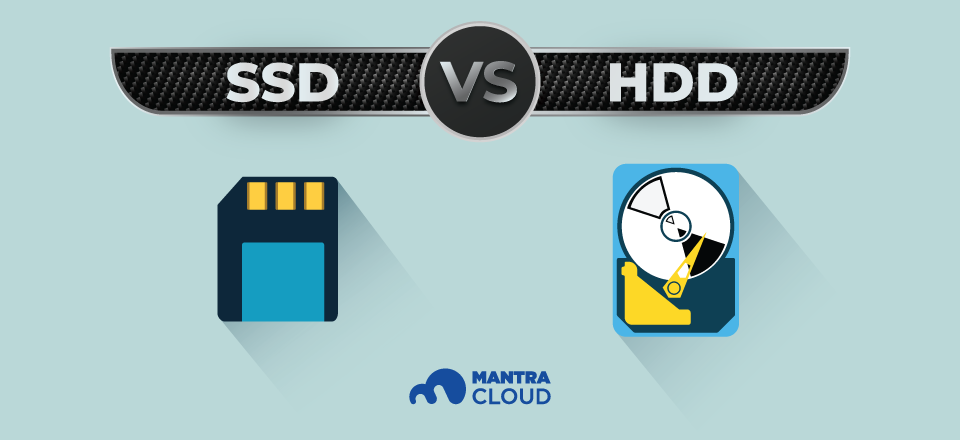
HDD (Hard Disk Drive) technology has been around for decades. An HDD stores data magnetically on spinning metal platters. A mechanical read/write arm moves across the platters to access different data locations, similar to how a record player’s needle moves across a vinyl record. The platters typically spin at 5,400 or 7,200 RPM (revolutions per minute), with enterprise drives reaching 10,000 or 15,000 RPM.
Because HDDs rely on moving parts, data access involves physical movement — the arm must travel to the correct location on the platter, and the platter must rotate to the right position. This mechanical process introduces latency that is inherent to the technology.
How SSD Servers Work
SSD (Solid State Drive) technology stores data on interconnected NAND flash memory chips. There are no moving parts, no spinning platters, and no mechanical arms. Data is accessed electronically, which means retrieval times are measured in microseconds rather than milliseconds. You can think of an SSD as an advanced, high-capacity version of a USB flash drive.
Key Differences Between SSD and HDD Servers
Speed
This is where the difference is most dramatic. HDDs access data in the range of 5,000 to 10,000 microseconds due to their mechanical components. SSDs, by contrast, achieve access times under 100 microseconds — up to 100 times faster. For web hosting, this translates to significantly faster page load times, quicker database queries, and more responsive applications. Since HDDs store data across different physical locations on the platter, data fragmentation further degrades performance over time, a problem that does not affect SSDs.
Technology
HDDs use magnetic storage on rotating disks with a mechanical read/write head. SSDs use NAND flash memory banks with no moving components. This fundamental technological difference drives all the other distinctions between the two storage types.
Data Security and Reliability
HDDs are more susceptible to mechanical failure because of their moving parts. Drops, vibrations, or general wear on the motor and arm mechanism can lead to data loss. While data recovery from failed HDDs is often possible, it can be expensive and is not always successful.
SSDs have no moving parts, making them inherently more resistant to physical damage from shocks and vibrations. They also experience less degradation from regular use, though they do have a finite number of write cycles. For server environments where reliability is critical, SSDs offer a meaningful advantage.
Power Consumption and Noise
SSDs consume significantly less power than HDDs because they do not need to power spinning motors or moving arms. In a server environment with many drives, this power savings adds up and also reduces cooling requirements. SSDs also operate silently with zero vibrations, while HDDs produce audible noise from their spinning platters and arm movements.
Cost
HDDs remain considerably cheaper on a per-gigabyte basis than SSDs. For applications that require massive amounts of storage where access speed is not critical — such as archival data, cold backups, or media storage — HDDs still offer better cost efficiency. However, SSD prices have declined substantially over the years and continue to become more competitive.
Boot Time
SSDs deliver dramatically faster boot times compared to HDDs. An SSD-equipped server can boot in roughly 10 seconds, while an HDD server takes noticeably longer. While servers are not rebooted frequently, faster boot times mean quicker recovery from maintenance windows or unexpected restarts.
Which Should You Choose for Your Server?
For most web hosting workloads, SSDs are the better choice. The speed advantage alone can improve website loading times, which benefits user experience, search engine rankings, and conversion rates. SSDs also provide better reliability and lower power consumption, making them more cost-effective than the sticker price alone might suggest.
HDDs still make sense for specific use cases:
- Archival storage: Long-term data storage where access speed is not important.
- Backup systems: Secondary storage for backup copies where capacity matters more than speed.
- Budget-constrained projects: Situations where storage costs must be minimized and performance is a lower priority.
Conclusion
The gap between SSD and HDD performance is substantial and directly impacts server responsiveness, application performance, and end-user experience. For production web hosting, e-commerce platforms, databases, and any workload where speed matters, SSD servers are the clear winner. While HDDs continue to serve a role in cost-sensitive and storage-heavy scenarios, the industry trend is firmly moving toward SSD-based infrastructure for the performance, reliability, and efficiency advantages they deliver.